What is OpenRouter? How it works and what it costs
One key for 400+ AI models. How OpenRouter works, what it really costs, where the fee hides, and whether it's safe to send your prompts through it.
On this page
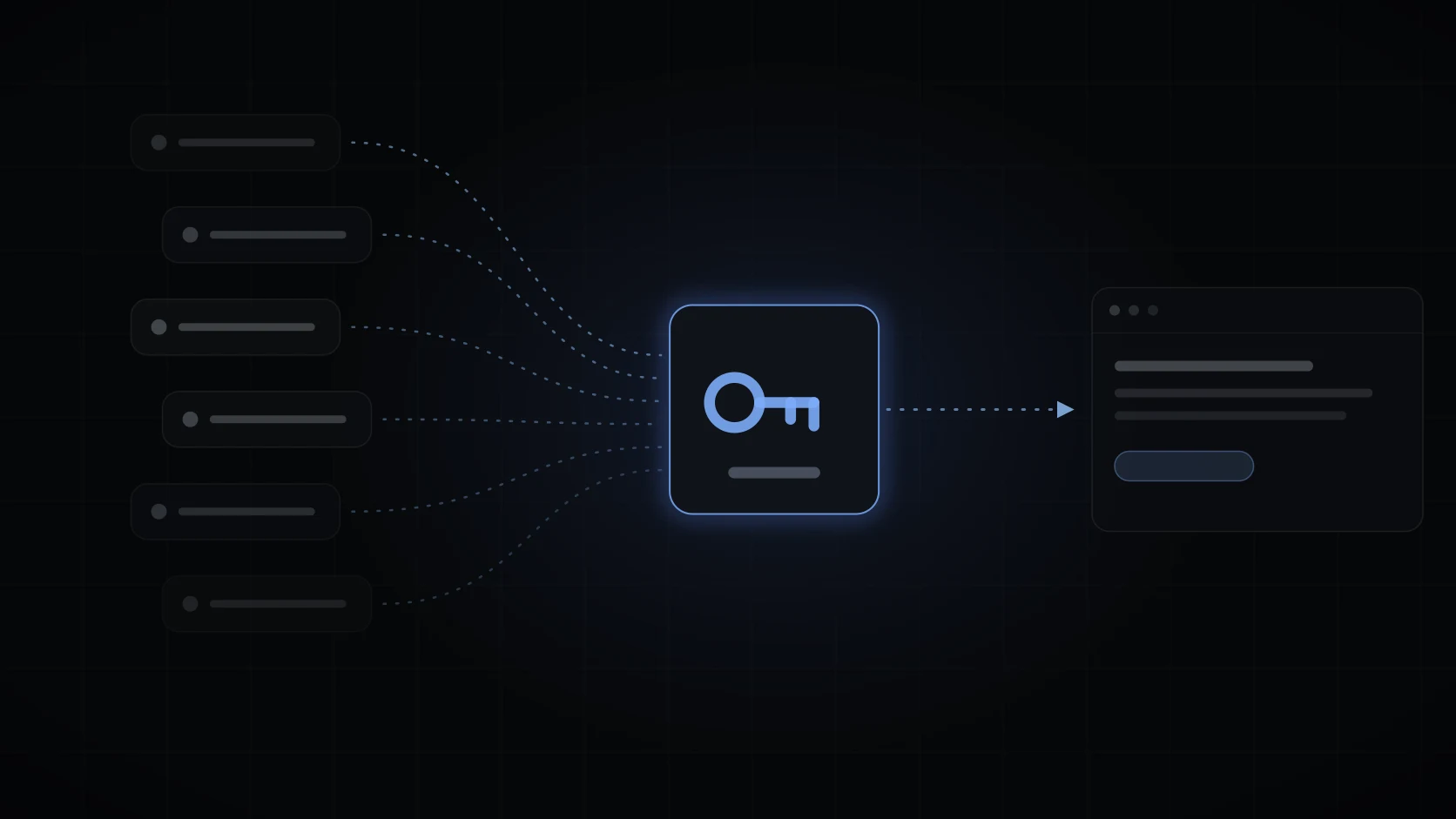
OpenRouter is one account, one balance, and one API key that works with the models from OpenAI, Anthropic, Google, xAI, and hundreds of others. Instead of opening an account with every AI lab and juggling their billing pages, you sign up once and pick models like items on a menu. Its own homepage counts more than 400 models from over 70 providers behind that single key.
If you’ve seen “OpenRouter” in an app’s settings next to a field asking for an API key, this is the explainer for what you’re signing up for, what it costs, and where the catch is (there is a small one, and it’s the fee on credits).
What it actually does
Under the hood, OpenRouter is a router in the plain sense. Your request goes to OpenRouter, OpenRouter forwards it to the company actually hosting the model, and the answer comes back through the same pipe. Three things make that plumbing worth having:
- One key, every model. Switching from a GPT model to a Claude model to a Gemini model is a one-line change, not three accounts with three billing setups. When a new model launches, it usually shows up on OpenRouter within days, and trying it costs a few cents instead of a commitment.
- One standard API. OpenRouter speaks the OpenAI-compatible format that nearly every AI tool and library already understands. Point the tool at OpenRouter, paste the key, done.
- Routing around outages. Popular open models are hosted by several providers at once. If one is down or slow, OpenRouter can send your request to another, which is a kind of reliability a single-provider key can’t give you.
What it costs
There’s no subscription. You buy credits, and usage burns them down at each model’s listed per-token price, the same numbers the model providers publish. OpenRouter takes its cut when you buy the credits: at the time of writing, 5.5% with a minimum of $0.80 on card payments, 5% if you pay with crypto.
So a $20 top-up costs about $21.10 and gives you $20 of model time. That’s the whole business model, and it’s a reasonable price for never creating a fourth AI billing account. Two fine-print items worth knowing: unused credits can expire after a year (it’s in their terms, so don’t park serious money there), and per-model prices vary wildly, from fractions of a cent to dollars per million tokens, so glance at the price on the model page before you pick a default.
The free models
OpenRouter also lists free variants of some models, marked :free. They cost nothing and come with real limits, 50 requests a day until you’ve bought $10 of credits and 1,000 a day after that. Some of the providers serving them may also train on your prompts. Our guide to OpenRouter’s free models has the current list, the limits in full, and the privacy settings that decide which ones answer.
Getting a key, step by step
- Sign up at openrouter.ai. Email or an OAuth login both work.
- Add credits under Credits. You can skip this and stay on free models, with the limits above.
- Go to Keys, create a key, and give it a name. You can set a spending cap per key, which is worth doing: a runaway script hits the cap instead of your balance.
- Paste the key into whatever app asked for it. The key starts with
sk-or-, and it’s a password: anyone who has it can spend your credits, so it doesn’t belong in a screenshot or a git repo.
Our OpenRouter API key guide goes further, with per-key limits, a one-line test, what each error code means, and what to do if a key leaks.
Is it safe to run your prompts through a middleman?
The honest framing: you’re adding one company to the list of companies that handle your traffic. OpenRouter’s stated default is zero logging of prompts and completions; they run an opt-in logging program that trades a 1% discount for the right to retain your traffic, and it’s off unless you turn it on. Your prompts do still reach the provider hosting the model, whose own data policy applies, and OpenRouter surfaces those policies per provider with account settings to steer around providers you don’t want.
Whether that’s acceptable depends on what you’re sending. For everyday browsing questions it’s a fine trade. For regulated or confidential material, you want a direct enterprise agreement with a provider, not a router, and that’s true of every aggregator, not OpenRouter specifically.
Where to plug the key in
Anything that speaks the OpenAI API format can use OpenRouter, which in practice means most AI chat apps, coding assistants, and libraries: set the base URL to OpenRouter’s endpoint, paste the key, pick a model string like anthropic/claude-sonnet-5. Our guide on how to use OpenRouter walks through apps, code and the routing settings.
Our own use case is the browser. UtilEngine’s bring-your-own-key AI takes an OpenRouter key and turns it into Ask AI and Chat on any page: summarize what you’re reading, ask questions about it, draft a reply, with a curated list of 85 models across OpenAI, Anthropic, Google, Meta, xAI, MoonshotAI, and Z.AI to switch between per conversation. The key is stored locally in your browser and never synced anywhere, and the AI’s tool calls (reading the page, web search, searching your tabs) are read-only and visible as chips in the answer.
If you want to price a job before you run it, the per-million numbers for Grok 4.5, GLM 5.3 and Kimi K3 sit on their own pages.
The usual honest caveat: UtilEngine is paid, $49 once, and the tokens are between you and OpenRouter. The extension connects through OpenRouter only, which is exactly why this guide exists. What you’re buying is the browser integration, not the models.
OpenRouter or a direct API key?
Go direct when you live in one ecosystem: a single provider’s key has no credit fee, and enterprise features like data agreements and fine-tuning live there. Choose OpenRouter when you want to compare models, chase the best price per task, or use open models that have no official first-party API at all. A lot of people land on both: a direct key for the daily-driver model, OpenRouter for everything else.
Common questions
Is OpenRouter free?
The account is free, the :free models are free within daily limits, and everything else is pay-as-you-go credits. There’s no subscription tier at all.
Does OpenRouter mark up the per-token prices?
Its listed model prices match the providers’ own rates; the margin comes from the fee when you buy credits. If a price on a model page looks different from the provider’s site, you’re usually looking at a different variant or context length.
What’s the catch compared to going direct?
The credit fee, a middleman in your request path, and occasional gaps: brand-new proprietary features (voice modes, some file tools) tend to arrive on first-party APIs first. Text generation is the thing it does completely.
What does the :nitro suffix on some model names mean?
It tells the router to prioritize the fastest providers for that model rather than the cheapest. There’s also :free for the zero-cost variants. Same model, different routing preference.
Worth knowing before you lean on it. Per OpenRouter’s docs, :nitro also admits a provider’s priority tier into the pool it picks from, and a request a priority endpoint serves is billed at that tier’s rate rather than the list price on the model page.
Can I use an OpenRouter key on my phone or another computer?
Yes, a key works from anywhere. But each app stores it separately (UtilEngine, for example, deliberately keeps it local to the browser and out of sync), so you paste it once per app, per device.